
Import trades via generic CSV
Why Use CSV Import for Trades?
Section titled “Why Use CSV Import for Trades?”Manually entering trades can be time-consuming, especially for active traders. Importing trades via a CSV file allows you to quickly upload multiple trades at once, ensuring accuracy and efficiency.
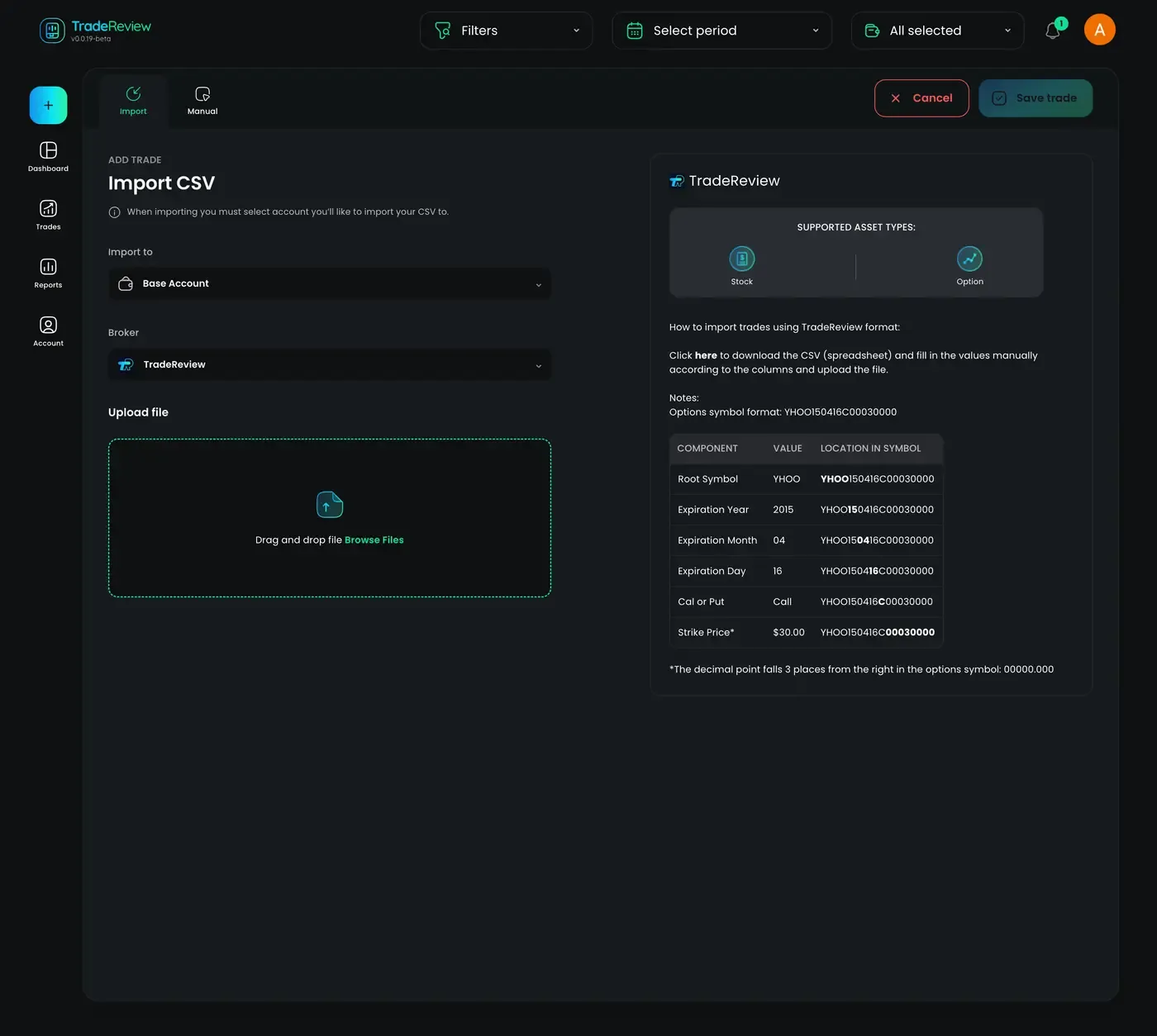
Steps to Import Trades Using a CSV File
Section titled “Steps to Import Trades Using a CSV File”1. Select Your Account
Section titled “1. Select Your Account”- Select the account to which you want to import trades
2. Select Broker
Section titled “2. Select Broker”- Select the broker, there is only TradeReview format for now. If you want us to add your broker, contact us through Featurebase or Discord and provide an example CSV — we’ll do our best to add it as soon as possible.
3. Prepare Your CSV File
Section titled “3. Prepare Your CSV File”-
Click on the right side to download the csv template
-
Ensure your file is formatted correctly with necessary columns:
- Date
- Time
- Symbol
- Type (stock or option)
- Price
- Quantity (add ”-” in case of selling)
- Commission (Optional)
- Fee (Optional)
- Tags (Optional)
- Notes (Optional)
-
Save your file in
.csvformat.
Notes: Options symbol format: YHOO150416C00030000
| Component | Value | Location in symbol |
|---|---|---|
| Root Symbol | YHOO | YHOO150416C00030000 |
| Expiration Year | 2015 | YHOO150416C00030000 |
| Expiration Month | 04 | YHOO150416C00030000 |
| Expiration Day | 16 | YHOO150416C00030000 |
| Cal or Put | Call | YHOO150416C00030000 |
| Strike Price* | $30.00 | YHOO150416C00030000 |
*The decimal point falls 3 places from the right in the options symbol: 00000.000
Here is the example of the file - download