
List of supported Brokerage Integrations
Brokerage auto sync
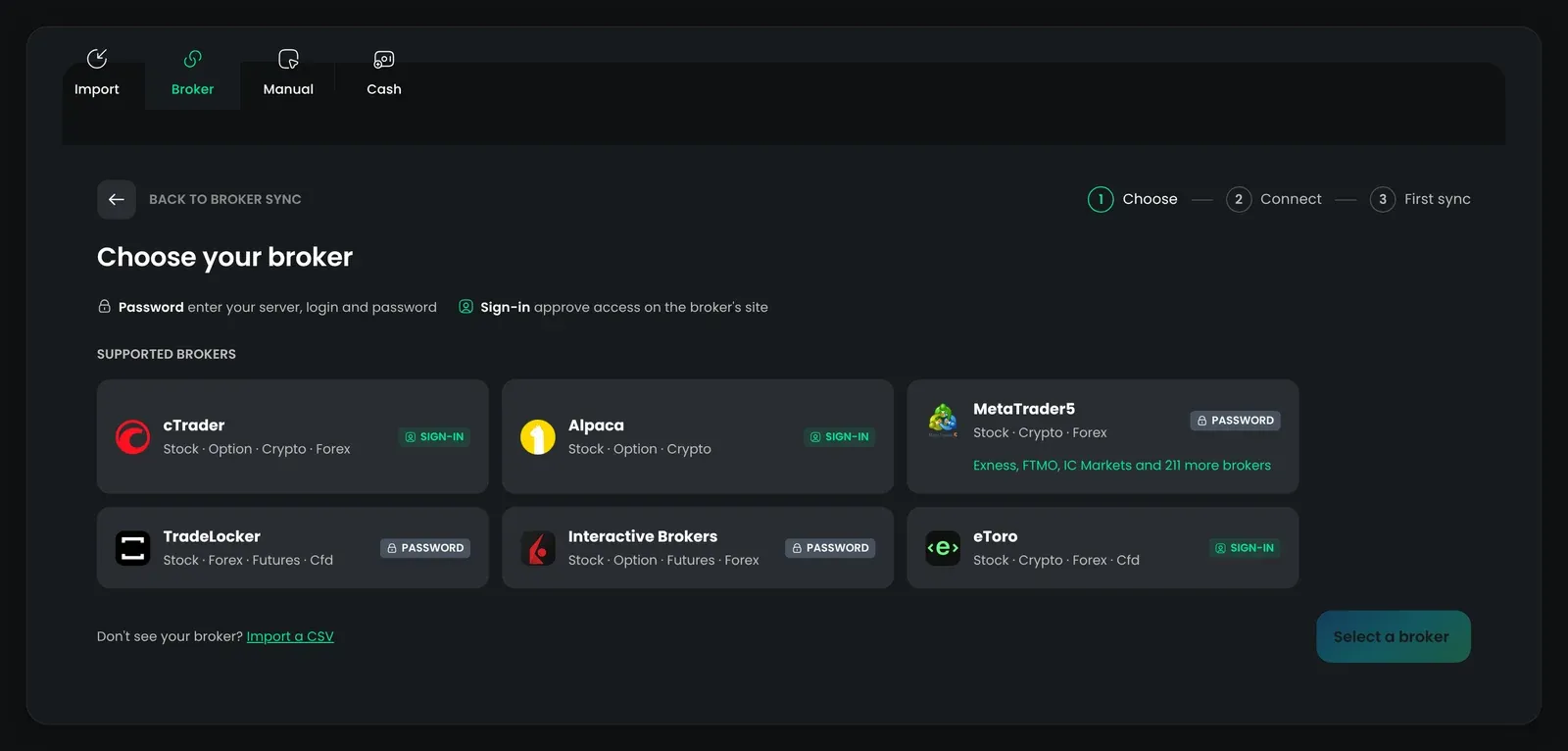
Section titled “Brokerage auto sync”Connect your brokerage account once and TradeReview imports your trades automatically.
| Broker | Supported assets | History limit | Sync frequency |
|---|---|---|---|
| cTrader | Stocks, Options, Crypto, Forex | Account open | Real-time + hourly backup |
| Alpaca | Stocks, Options, Crypto | Account open | Every hour |
| MetaTrader 5 | Stocks, Crypto, Forex | Full history | Every hour |
| TradeLocker | Stocks, Forex, Futures, CFD | Full history | Every hour |
| Interactive Brokers | Stocks, Options, Futures, Forex | Up to 365 days | Every hour |
| eToro | Stocks, Crypto, Forex, CFD | About 12 months | Every hour |
Setup videos: MetaTrader 5 · TradeLocker
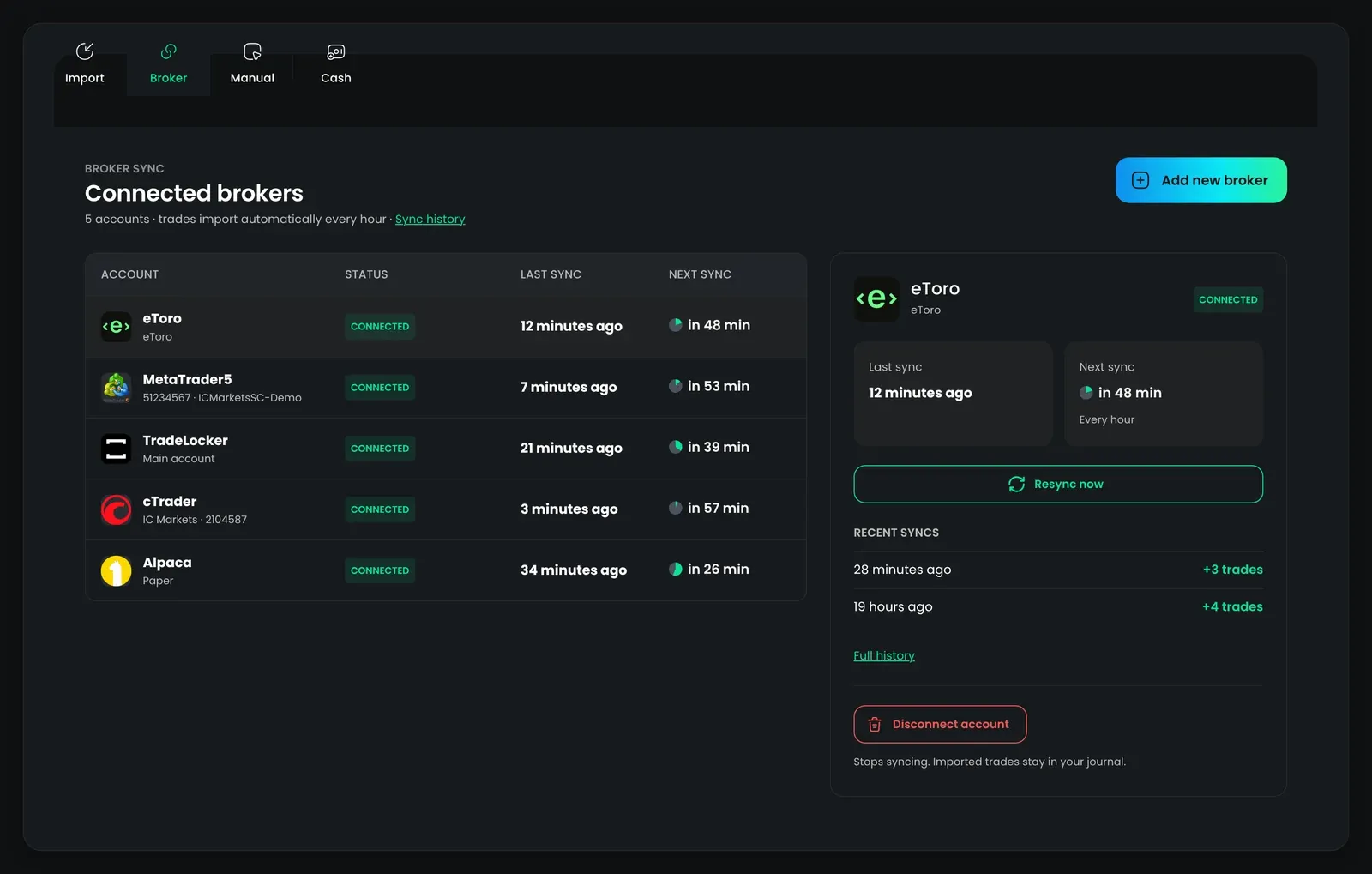
To connect a broker or check sync status, visit the Broker Sync page.
CSV import support
Section titled “CSV import support”If your broker does not support auto sync, you can import trades manually using a CSV or report file export.
| Broker | Stocks | Options | Crypto | Forex | Futures | CFD |
|---|---|---|---|---|---|---|
| TradeReview format | ☑️ | ☑️ | ☑️ | |||
| Interactive Brokers | ☑️ | |||||
| TradingView (paper) | ☑️ | ☑️ | ☑️ | ☑️ | ☑️ | |
| Webull | ☑️ | ☑️ | ☑️ | |||
| MetaTrader4 | ☑️ | ☑️ | ☑️ | |||
| MetaTrader5 | ☑️ | ☑️ | ☑️ | |||
| Capital.Com | ☑️ | |||||
| Tradovate | ☑️ | |||||
| NinjaTrader | ☑️ | ☑️ | ☑️ | |||
| TradeZero | ☑️ | ☑️ | ||||
| Topstep | ☑️ |