Import Trade The Pool trades
You can import your Trade The Pool trades into TradeReview by exporting a CSV file from the Trade The Pool web platform and uploading it. Follow the steps below.
Exporting your trades from Trade The Pool
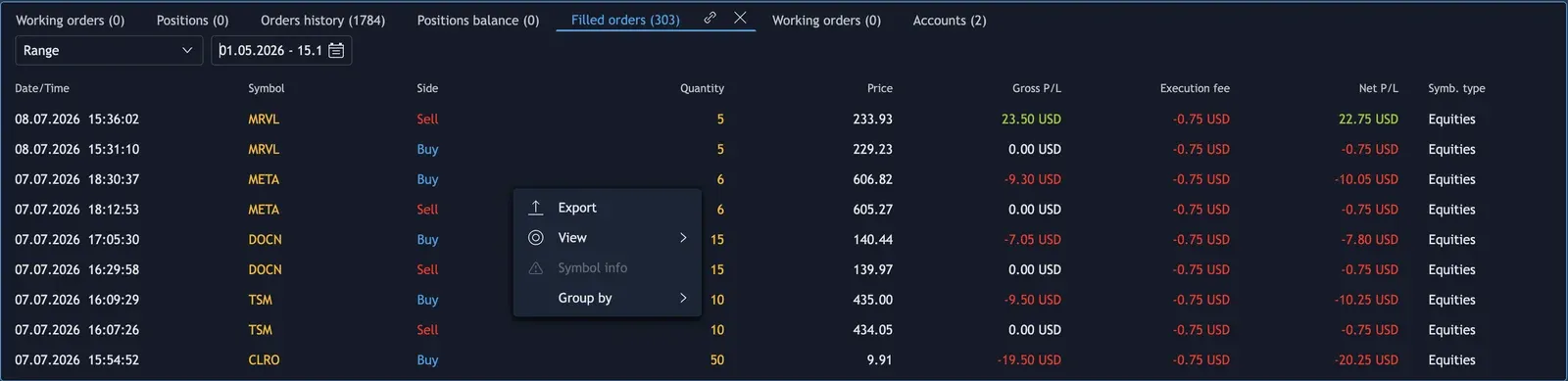
Section titled “Exporting your trades from Trade The Pool”Step 1: Log in to the Trade The Pool web platform and open the Filled orders tab in the bottom panel, next to Orders history.
Step 2: Set Range and choose the dates you want to import.
Step 3: Right-click anywhere in the list of filled orders and choose Export.
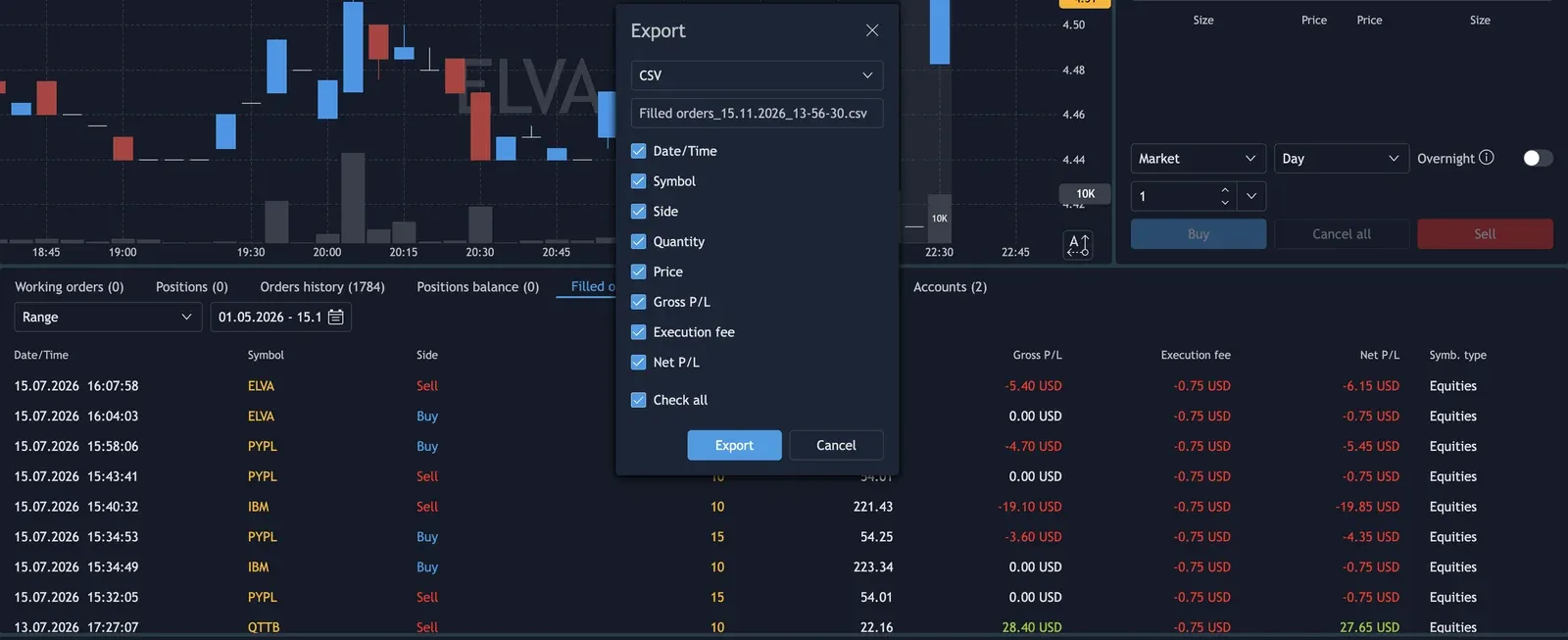
Step 4: In the Export window choose CSV and keep Check all ticked so every column is exported.
Step 5: Click Export. The file is saved as Filled orders_<date>.csv.
What gets imported
Section titled “What gets imported”- Every row of the Filled orders file is one fill. Fills are grouped into trades by symbol until the position is flat, longs and shorts alike.
- The Execution fee is imported as the commission of each fill; rebates, if any, are subtracted.
- From an Orders history file, only rows with the event Filled are imported; created, modified, cancelled and rejected orders are skipped and listed in the import report.
- Fills you already imported from either file are not imported again, so you can upload overlapping date ranges or both files.
- The platform writes times in your computer’s local time, so choose your time zone when you upload.
Uploading the exported file into TradeReview
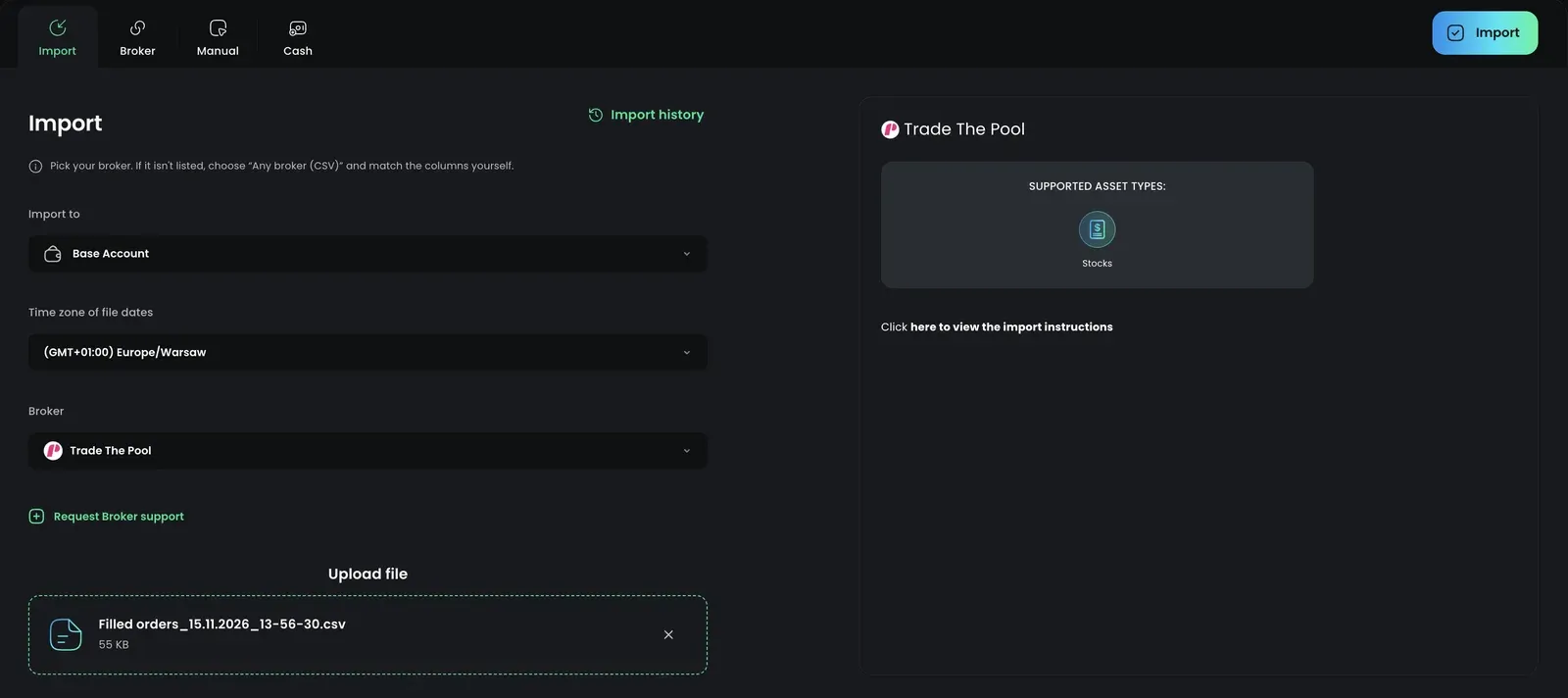
Section titled “Uploading the exported file into TradeReview”- Visit the TradeReview import page here or by clicking the ”+” button on the sidebar.
2. Select Your Account
Section titled “2. Select Your Account”- Select the account to which you want to import trades
3. Select Trade The Pool
Section titled “3. Select Trade The Pool”4. Select the file
Section titled “4. Select the file”Upload the file you exported from Trade The Pool and choose the time zone your computer was in when you traded (for example, Europe/Warsaw or America/New_York).
Then click Import at the top right.